What’s In The Course?
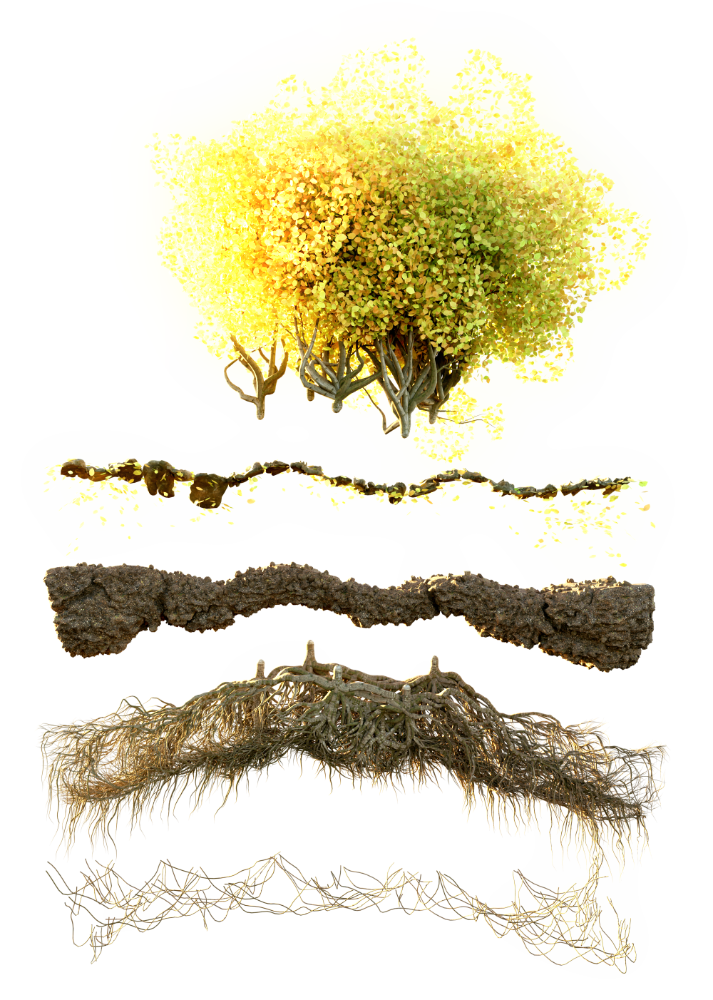
Geometry Nodes is rapidly shifting from a cool tech demo to an essential toolset for artists. Over the last 12 months, we’ve seen the platform come into its own, supporting advanced mesh and curve manipulation, as well as the ability to create geometry completely from scratch. With these tools in your hands you’ll be empowered to create vastly more complex and responsive models than ever before.
By the end of this advanced course with Erin, you’ll be confident in your ability to manipulate geometry and how and why to create high-level node group assets.
In this course you will learn:
- Strategies for selecting and transforming meshes and curves
- UV Unwrapping with Geometry Nodes
- Creating multiple high-level node groups
- Working with SDFs for organic mesh generation and remeshing
- Using the Shortest Path nodes
- Using accumulate field for linear packing
- and much more…
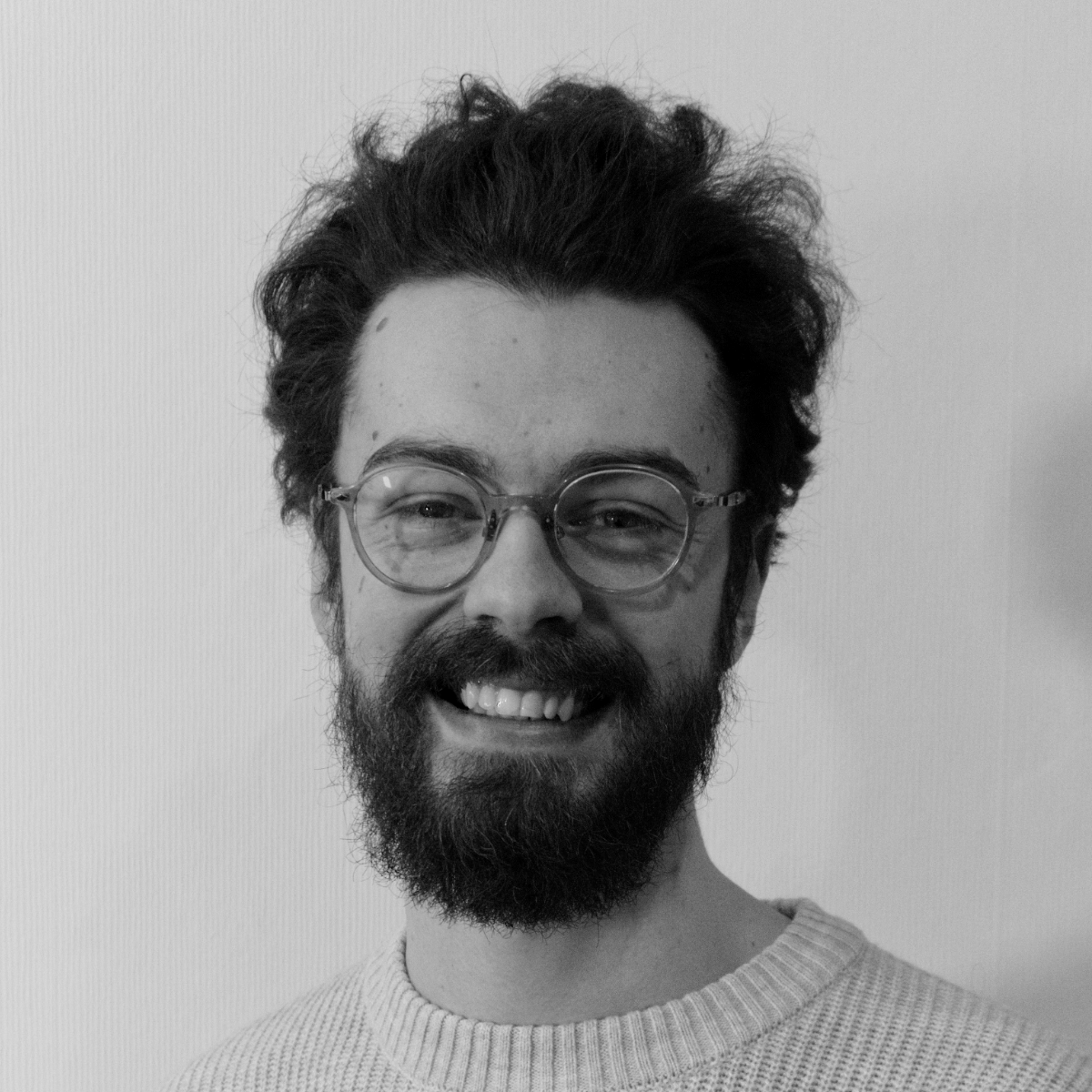
Your Instructor – Erindale Woodford
Erin is awesome, and you can be too!
In 2009, Erin made their first Blender tutorial about bump maps in Blender 2.49b. While a lot has changed in Blender over the last decade, interest in sharing the wonder that is this 3D software has not. Blender has gone from strength to strength and it’s so exciting witnessing this new chapter of Geometry Nodes!
They are fascinated with procedural workflows, whether that’s in shaders, or modelling with Geometry Nodes or Sverchok, or even outside Blender with Houdini and Grasshopper.
More recently, a foray into scripting with Python and C#. They find the ability to have truly interconnected and reactive systems very exciting, especially coming from a background of build environment as a qualified Cabinet Maker and Interior Designer.
As well as teaching here at Canopy Games, they as work as a Senior Procedural Artist at Unity Technologies helping to build the future of real-time 3D creation.