
Asteroids in Godot 4
Asteroids in Godot 4
Build a complete 2D arcade shooter from scratch. Six Sections covering physics, shooting, UI, audio, and final polish.
Turn a Blank Project into a Polished Game
This course guides you step by step through every stage of development. Start with an empty Godot 4 project and finish with a fast-paced, playable Asteroids-style space shooter: smooth controls, score tracking, menus, sound, and high-score saving.
Whether you are new to Godot or looking to strengthen your 2D workflow, you will finish with a fully polished game and the confidence to build your own projects.
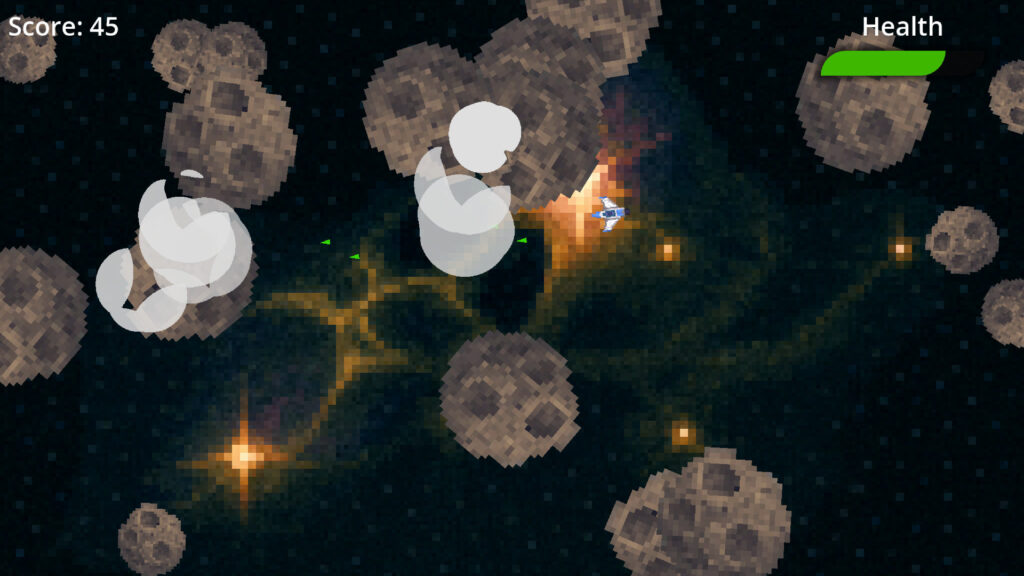
What You Will Learn
- Build a complete 2D game from start to finish
- Write clean, well-structured GDScript
- Implement player movement, physics, and shooting
- Use signals and enums for gameplay logic
- Design menus, HUD, and in-game UI
- Save and load player data and settings
- Integrate sound effects and music
- Polish your project for a professional finish
Course Breakdown
Six Sections. From an empty project to a polished, release-ready game.
SECTION 01
Introduction and Setup
Lay a solid foundation for your project.
- Create and organise your Godot workspace
- Use Git for version control and project safety
- Plan your game with a Game Design Document
- Import and prepare sprite sheets for animation
SECTION 02
Core Gameplay
Bring your player ship to life.
- Set up the main level and player ship scenes
- Map inputs for thrust and rotation
- Apply physics-based movement with vector maths
- Add screen wrapping for continuous play
- Create your first asteroid scene
SECTION 03
Projectiles and Collisions
Build a complete shooting system.
- Fire bullets using timers and spawn points
- Detect and handle collisions between objects
- Manage destruction with modular logic
- Configure physics layers and masks
SECTION 04
Game Logic and Spawning
Add depth, challenge, and clean architecture.
- Spawn asteroids with randomised behaviour
- Split large asteroids into smaller ones
- Use signals to connect gameplay systems
- Implement player damage and invulnerability
- Refactor with enums and consistent style
SECTION 05
UI and Menus
Shape the player experience.
- Display score, health, and game-over info
- Build a main menu with Start, Settings, Quit
- Create a ship-selection screen
- Save and load high scores and preferences
SECTION 06
Audio and Polish
Bring it all together for a release-ready feel.
- Add background music and sound effects
- Use Audio Buses to balance and group sounds
- Create in-game sliders for volume control
- Save and restore audio preferences
- Add explosion feedback and final polish
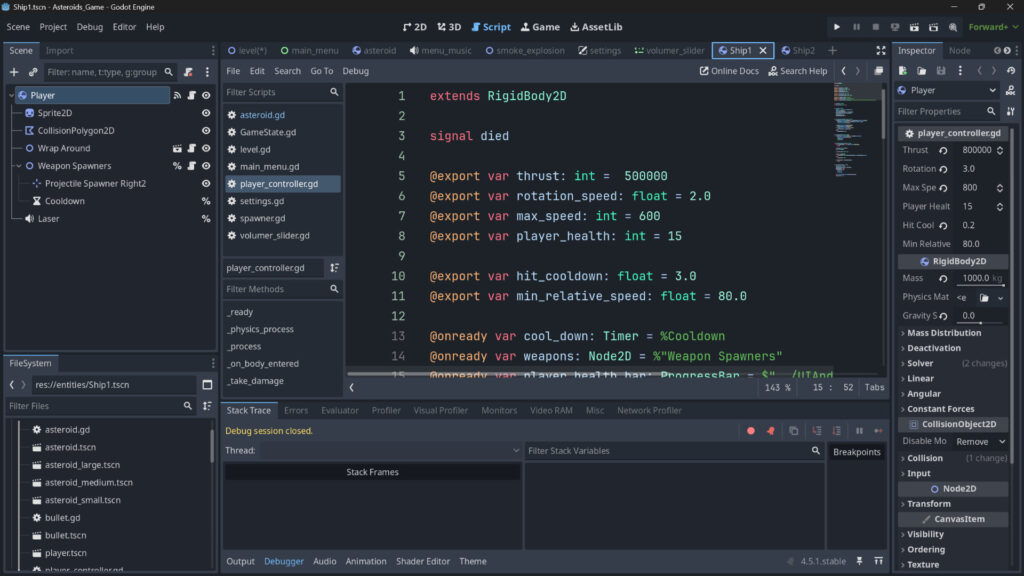

Who Is This Course For?
- New to Godot? Perfect starting point: you will build something real, not just follow theory.
- Hobbyist developer? Finish your first polished project from start to ship.
- Student? Practical 2D game design and programming fundamentals you can apply immediately.
- Want stronger GDScript skills? Hands-on coding throughout, with clean patterns you can reuse.
30-Day Guarantee
Full refund within 30 days, no questions asked.
Lifetime Access
Keep it forever, including all future updates.
Certificate
Downloadable certificate on completion.
Discord Support
Ask questions and share progress in the community.

Meet Your Instructor
Mike Bridges
Hi there, I’m Mike. I’m a self-confessed technology geek who loves teaching people new things. I talk to learners in everyday language (no unnecessary techno-babble), help complete beginners feel capable, and keep courses practical from start to finish.
Ready to Build Your First Godot Game?
Six Sections. One complete game. All the skills you need to start building your own projects.
You Might Also Like
More Godot courses to continue your journey.


