
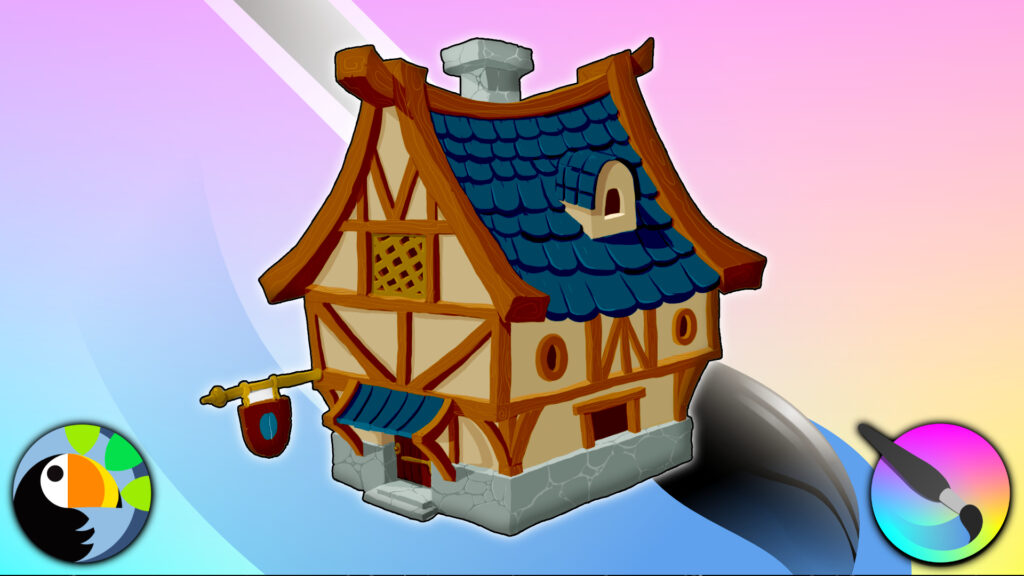
Concepting is the first step in trying out new ideas, shapes and forms and Bringing your ideas to life. This course will start you from the very beginning. Concept art is key to good game asset design. Any tool which allows you to explore, create and share assets with ease is key, and Krita makes your tasks a breeze.
Krita is a free professional drawing program for digital art, illustrations, cartoons and creative drawing enthusiasts.
In this course, Paul will first take you through setting up and customizing your Krita workflow. Afterwards, you’ll be ready to take on the 3 projects.
In this course you will learn:
- How to customise your interface
- How to create templates and layouts
- How to work with brushes, palettes
You will then create the following:
- A concept piece for the overworld
- An interior dungeon concept
- A character turnaround sheet
By the end of this course, you will have a solid understanding of Krita, and concept design in general.
You’ll have access to the Canopy Games Discord to join other students for support and share your work.
Enroll today and get Concepting in Krita!